For years, SEO has been a fairly predictable game. You research keywords, create helpful content, earn backlinks, and watch your rankings grow.
Google shows your site in the organic listings, and you get traffic. Simple — not easy, but at least fair.Then came Google AI Overview (formerly called Search Generative Experience, or SGE.)
Now, instead of showing the classic “10 blue links” at the top of search results, Google’s AI writes its own instant answers, summarizing information it scrapes from various sources — including yours.
The catch?
Your content might be used to feed Google’s AI answer… and the user may never need to click through to your site.
That’s not “leveling up search.” That’s eating the very ecosystem that fuels it.
So, What Exactly Is Google AI Overview?
Think of it as Google’s ChatGPT built into the search results. Instead of just showing links, it pre-chews information for the searcher.
If you search for “best budget DSLR cameras in 2025”, instead of clicking a blog, you’ll likely see a colorful AI summary listing the top picks, why they’re good, and maybe even buying advice — all right there.
Sounds convenient for the user, right?
Sure. But for publishers, businesses, and SEO professionals, it’s a disaster.
Because:
a. Google takes your information. b. Rewrites it. c. Shows it above your link.
And leaves you hoping someone scrolls down far enough to find you.
It’s like inviting a dinner guest who eats the meal you cooked, then tells everyone else what it tasted like without mentioning you made it.
How AI Overviews Are Hurting SEO?
1. Massive Drop in Organic Click-Through Rates
Before Google AI Overview, the first few organic results got the lion’s share of clicks. Now? People see their answer immediately and don’t bother scrolling.
Studies from SEO tracking tools like Sistrix and SimilarWeb are already showing click-through rates down by 18%–40% for certain queries. That’s not a small dip — that’s traffic falling off a cliff.
2. Zero Credit for Your Work
Google claims to cite sources in AI Overviews, but those citations are tiny, hidden, and often not even clickable in a way that drives real traffic. And many times, the AI blends multiple sources, so your contribution is buried in a sea of “some people say…” summaries.
If you’ve spent weeks crafting an original guide, seeing it chopped up and rephrased without meaningful credit feels like creative theft — even if it’s technically legal.
3. Small Sites Get Crushed
Big, authoritative domains might survive because Google still sees them as trustworthy. But for small blogs, niche e-commerce sites, and independent creators, this is a knockout punch.
If you’re not in the handful of links Google chooses to feature in its AI box (and even those barely get clicks), you might as well not exist.
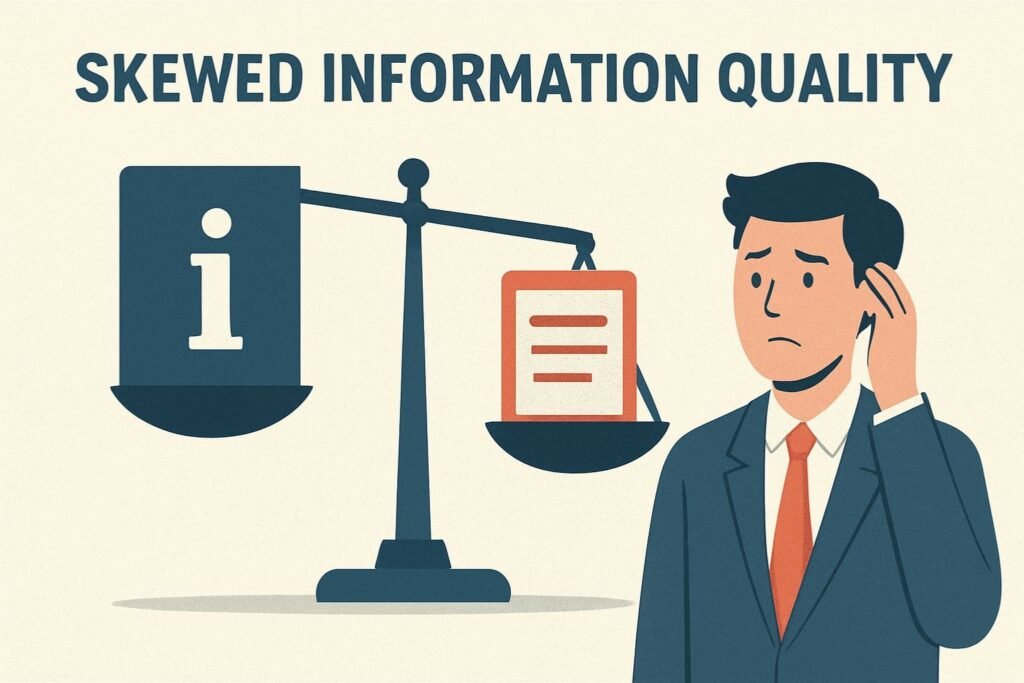
4. Skewed Information Quality
AI Overviews aren’t perfect — they’ve already been caught hallucinating facts, pulling outdated info, and even recommending unsafe advice. But here’s the kicker:
If your site has a small error, Google’s ranking system punishes you. If its AI gets something wrong? It just quietly changes it later, without apology.
This double standard means the illusion of accuracy often matters more than actual accuracy.
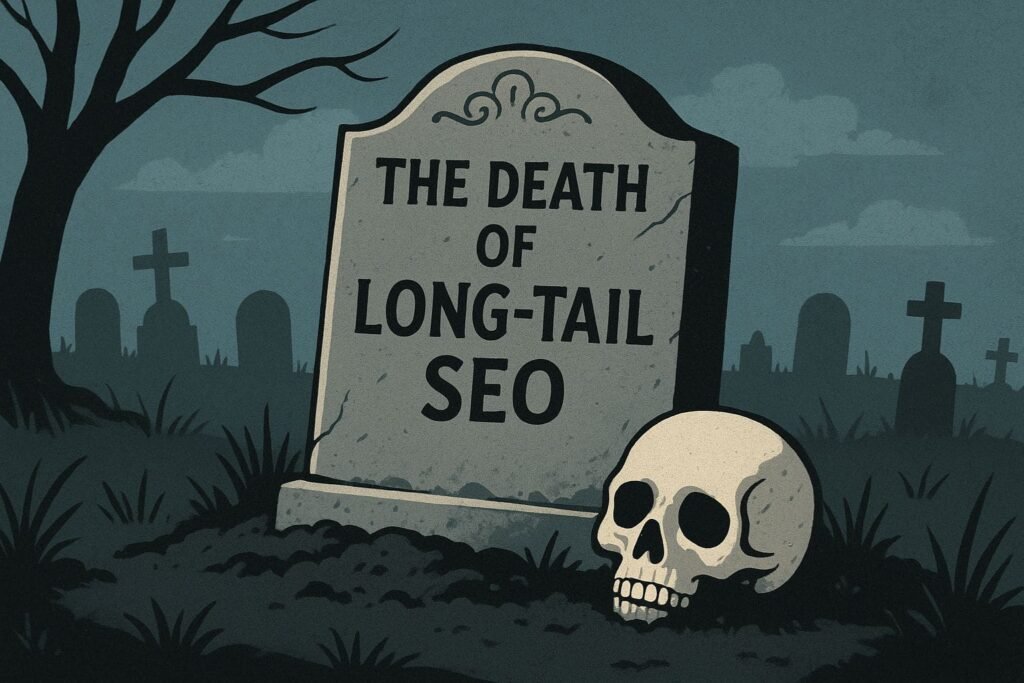
5. The Death of Long-Tail SEO
Long-tail keywords (like “how to fix squeaky brakes on a 2010 Toyota Corolla”) have been the bread and butter for many small publishers because they bring in niche, high-intent traffic. Google AI Overview gobble up these questions and answer them instantly, cutting you out of the loop entirely.
It’s like losing the quiet backroads that used to be safe from highway traffic — now the AI bulldozer has paved right over them.
6. More Ad Dependence
When organic traffic shrinks, businesses panic — and where do they turn?
It’s hard not to see the conflict of interest here: Google reduces free clicks and conveniently sells you paid ones. SEO pros have been side-eyeing this for years, but Google AI Overviews turn that suspicion into a neon billboard.
7. Content Strategy Chaos
For years, we’ve optimized for snippets, “People Also Ask” boxes, and organic results. Now, all that planning has to account for an unpredictable AI box at the top.
You can’t optimize for it (Google won’t give the playbook), and you can’t fully avoid it — it appears on informational, product, and even some local searches.
It’s like playing chess where the rules change mid-game, and your opponent is the referee.
8. Erosion of Trust in the Open Web
If people never click through to the original source, they lose context. They don’t see the nuance, supporting details, or the author’s expertise. Over time, audiences may forget that real people make this content — they’ll assume “Google knows everything,” not realizing Google is just repackaging human work.
9. New Sites Struggle to Break In
Before Google AI Overview, a well-optimized piece of fresh content could rank within weeks for lower-competition terms. Now, even those wins are blocked by the AI wall. This makes it harder for newcomers to build authority or even get noticed.
10. Loss of User Journeys
A single click to your site could lead to multiple pageviews, email sign-ups, and future purchases. With AI Overviews, the journey stops at Google’s page. The relationship between you and the visitor never begins.
Why This Change Feels Different from Past SEO Shifts?
SEO veterans have survived algorithm updates, mobile-first indexing, Core Web Vitals, and more. Those were tough but manageable — the game changed, but the players could adapt.
Google’s AI Overview feel different because Google has inserted itself as the primary destination, not the gateway. The open web becomes a content supplier to Google’s AI machine, not a partner in delivering information.
What You Can Do About It?
You can’t “beat” AI Overviews right now. But you can adapt:
Focus on content Google can’t easily summarize — deep personal stories, data-driven research, community discussions.
Double down on other channels — YouTube, LinkedIn, TikTok — platforms where you control the relationship.
The Bottom Line
Google’s AI Overview isn’t just another update — it’s a seismic shift in how search works, putting Google firmly in control. For SEO professionals, this means reduced traffic, less visibility, and more unpredictability.
While users may enjoy the convenience, if creators aren’t rewarded for their work, the quality and diversity of online content will inevitably decline. And when that happens, even Google’s AI will struggle to find valuable insights to summarize.
At Adsagenz, we help you adapt to this new reality. Don’t let your brand get left behind — connect with us today to future-proof your SEO strategy..
Online advertising has become a critical part of business growth in 2025. Whether you’re a local coffee shop or a global e-commerce store, running ads online helps you connect directly with your ideal customers.
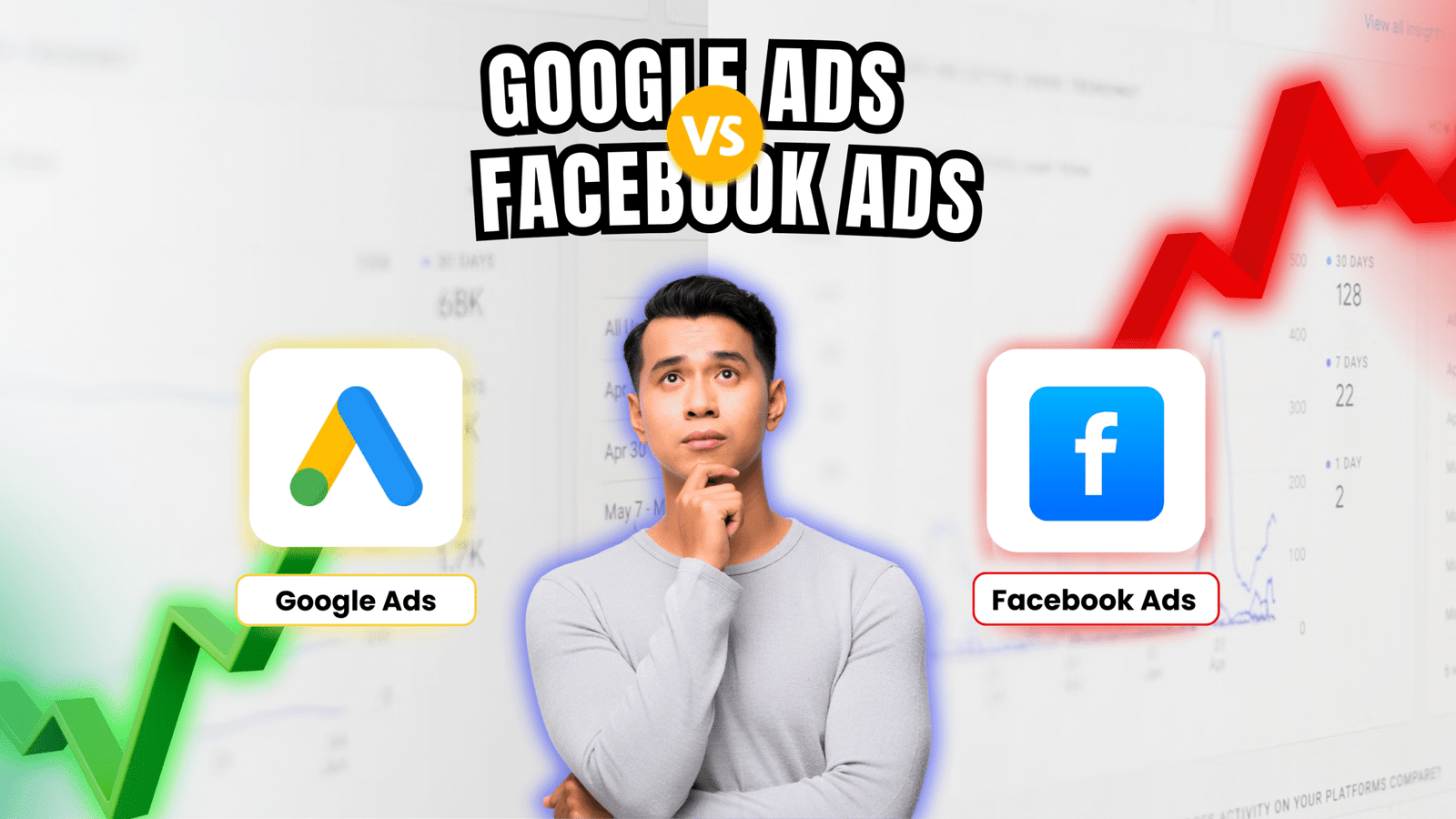
But here’s the big question every marketer and business owner is asking: Google Ads vs Facebook Ads— which one is more effective?
Both platforms are giants in the digital advertising space. Google processes over 8.5 billion searches every day, while Facebook (now part of Meta) has over 3 billion monthly active users across its apps. But these platforms work very differently.
The purpose of this blog is to help you compare them side-by-side.
We’ll cover how each platform works, the benefits of Facebook Ads and Google Ads, how to measure conversion rates, and ultimately help you decide where to invest your ad budget for the highest ROI.
What are Google Ads?
Google Ads is a pay-per-click (PPC) advertising platform created by Google. Businesses use it to appear at the top of Google’s search results and across the Google Display Network, YouTube, and even in Gmail inboxes.
When someone types a search like “emergency plumber near me,” Google shows ads from companies that have paid to appear for that keyword. This is called search intent — users are actively looking for something they need.
With Google Ads, you bid on keywords, and if your ad wins the auction, it shows up to users. You only pay when someone clicks — that’s where the term cost-per-click (CPC) comes in.
Here are some key benefits of Google Ads:
a. High buyer intent: You reach users at the exact moment they’re searching for a solution.
b. Fast results: Ads can start showing within minutes of approval.
c. Massive reach: Google’s search engine and partner networks give you access to billions of daily users.
d. Detailed tracking: Google’s ad dashboard integrates seamlessly with Google Analytics to track clicks, conversion rates, and more
Curious about how it works in detail? Read Google’s official guide here: Google Ads Help Center
What are Facebook Ads?
Facebook Ads, managed under Meta Ads Manager, lets businesses advertise across Meta’s platforms: Facebook, Instagram, Messenger, and the Audience Network.
Unlike Google Ads, where users search for what they want, Facebook Ads are discovery-based. You’re showing ads to users based on their interests, behaviors, and demographics — not necessarily because they searched for your product.
For example, you might advertise fitness equipment to users who like fitness pages, follow personal trainers, or belong to wellness groups. This makes Facebook Ads incredibly powerful for brand discovery, storytelling, and retargeting.
Key benefits of Facebook Ads include:
a. Precision targeting: Target by age, gender, job title, interests, purchase history, or create custom audiences.
b. Creative flexibility: Use videos, carousels, stories, and reels to showcase products.
c. Cost-effective: Lower CPC than Google Ads in many industries.
d. Engagement-driven: Users can like, comment, share, or save your ads — turning one view into organic reach.
The platform also provides a user-friendly dashboard to manage and optimize campaigns. When paired with the Facebook Pixel, it gives deep insights into how users behave after clicking on your ad — including how many converted.
One of the biggest differences between Google Ads vs Facebook Ads lies in how you target your audience. Both platforms allow businesses to reach highly specific users, but their methods reflect different user behaviors and intentions.
A. Google Ads: Reaching People with High Intent
Google Ads uses intent-based targeting. That means your ads show up when people actively search for something relevant to your product or service. You choose keywords, and Google displays your ad when users enter those terms.
For example, someone typing “emergency plumbing in Chicago” is likely ready to hire a plumber. Your ad appears at the perfect moment — when they’re ready to act. This type of targeting leads to higher conversion rates, especially in industries where timing is critical.
Key benefits: – Targets people with clear purchasing intent – Useful for businesses with niche or time-sensitive services – Helps reduce wasted ad spend by narrowing in on specific CPC keywords.
B. Facebook Ads: Discovery and Behavioral Targeting
Facebook, on the other hand, doesn’t wait for people to search. Instead, it lets you target users based on who they are — their interests, online behavior, location, relationship status, age, job titles, and more.
You can even create Lookalike Audiences, which are new users who behave like your existing customers.
This is great for:
– Raising brand awareness – Introducing products to new audiences – Building emotional connection through visual storytelling
While the users may not be ready to purchase immediately, they can be nudged through the sales funnel with consistent messaging and retargeting.
Another major difference between Google Ads vs Facebook Ads is the range of ad formats each platform offers. This impacts how your message is delivered, how engaging it is, and ultimately — how effective it will be.
A. Google Ads: Text-Driven, Intent-Based Formats
Google Ads primarily relies on text-based search ads that appear at the top of search engine results. These are great for quick, action-oriented communication like “Call Now,” “Book Today,” or “Free Quote.”
Other formats include:
– Display Ads: Banner ads shown across websites in Google’s partner network – Shopping Ads: For e-commerce brands, showing product images, pricing, and ratings – YouTube Ads: Skippable or non-skippable video ads played before or during videos
These formats are ideal for high-intent users and lower-funnel strategies. Your ads are managed from a unified dashboard where you can set budgets, adjust bids, and monitor CPC, impressions, and click-through rates.
Facebook offers richer and more visual ad formats. Since it’s a social platform, it allows brands to show up in a user’s feed organically — like content from friends or influencers.
Popular formats include:
– Image Ads: Great for product visuals or promotions – Video Ads: Effective for storytelling or demonstrations – Carousel Ads: Swipeable image or video slides – Stories and Reels Ads: Full-screen mobile experiences – Instant Experience: A mini-landing page inside the Facebook platform
These formats allow for creative flexibility, letting you test colors, calls-to-action, and storytelling strategies. Ads are managed through Meta’s dashboard, which shows performance insights like reach, engagement, and conversion rates.
Cost Comparison (CPC) between Google Ads and Facebook Ads
Knowing the price is important when deciding between Facebook Ads and Google Ads. Although both platforms use a pay-per-click (PPC) model, there can be considerable differences in the cost per click (CPC) and the value of those clicks.
A. Google Ads: Higher CPC, Higher Intent
Google Ads often has higher CPC rates. According to WordStream research, the average CPC on Google Search is around $2.69, but can be as high as $50+ in competitive industries like law or insurance.
However, that cost often brings higher-quality leads. Since the person is already searching for your solution, they’re closer to making a purchase — which often results in better conversion rates.
Best for:
– B2B services – Local search businesses – High-ticket items where intent matters
B. Facebook Ads: Lower CPC, Higher Engagement
Facebook Ads are generally less expensive. The average CPC ranges between $0.40 to $1.50, depending on your audience, ad quality, and competition. That lower cost allows you to cast a wider net, perfect for campaigns focused on brand visibility or content engagement.
However, since users aren’t actively searching for your offer, the conversion rates may be lower unless your targeting and messaging are strong.
Best for:
– Awareness and top-of-funnel campaigns – Lifestyle or impulse-buy products – Retargeting and remarketing strategies
Conversion Rates and Performance
If your goal is return on investment (ROI), one of the most important factors to compare in Google Ads vs Facebook Ads is their conversion rates — how often someone takes action after clicking your ad.
What Is a Conversion Rate?
A conversion rate is the percentage of users who complete a desired action (like a purchase or form submission) after clicking your ad. Higher rates generally mean your ads are doing a better job of turning viewers into customers
A. Google Ads: High Intent, High Conversions
Since Google Ads targets users actively searching for products or services, it often produces higher conversion rates — especially in industries like legal, finance, or B2B.
According to a WordStream benchmark study, the average conversion rate on Google Search is 4.40%, but in industries like dating or finance, it can exceed 6%. These conversions are driven by strong search intent. If someone types “best accounting software for freelancers,” they’re likely close to making a decision.
B. Facebook Ads: Lower Intent, Strong for Engagement and Retargeting
Facebook Ads typically have lower conversion rates, averaging around 1.85%, depending on your industry. This is because Facebook users aren’t actively looking for a product they’re browsing.
But here’s the upside: Facebook excels in awareness and retargeting. Once someone has visited your website, added something to a cart, or engaged with your content, Facebook lets you re-target them with precision.
These follow-up ads often lead to strong conversion results over time. And since Facebook’s CPC is typically lower, you can afford to cast a wider net and nurture your leads gradually.
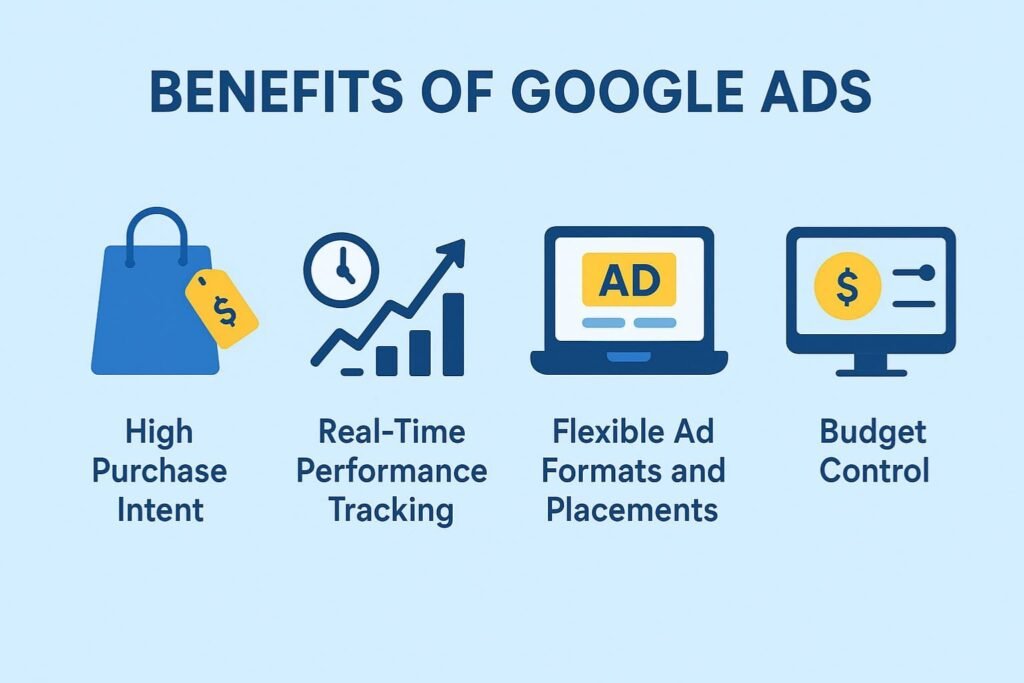
Benefits of Google Ads
If you want to reach people at the exact moment they’re searching for something you offer, Google Ads offers several key benefits.
a. High Purchase Intent
Google Ads users are usually farther down the funnel. They’re searching with specific needs — “best home security system,” “SEO agency near me,” or “buy running shoes online.”
This means: – Better lead quality – Shorter sales cycles – Higher conversion rates
b. Real-Time Performance Tracking
With Google’s powerful dashboard, you can monitor everything from CPC, impressions, click-through rates, and most importantly conversions.
Enables you to examine your campaign data in great detail, make wise choices, and keep getting better.
c. Flexible Ad Formats and Placements
You can use text ads for search intent, video ads for awareness via YouTube, and banner ads across Google’s Display Network, which spans over 2 million websites. This allows you to target people across all parts of the buyer journey not just at the end.
d. Budget Control
Whether you’re spending $5 or $5,000 a day, Google gives you full control. You can pause or adjust ads in real-time, set daily limits, and optimize your CPC to stay within budget while maximizing ROI.
Benefits of Facebook Ads
If your goal is brand awareness, building communities, or driving engagement through visuals, Facebook Ads offers a range of advantages that Google simply can’t match.
a. Visual-First Storytelling
Facebook and Instagram are highly visual platforms. Whether it’s a product demo, testimonial video, or lifestyle image, you can showcase your brand in ways that emotionally connect with users. This leads to more engagement — likes, shares, comments — even if users aren’t ready to buy yet.
Popular ad formats include: – Stories & Reels – Carousels – Instant Experiences – Collection Ads
b. Advanced Audience Targeting
Facebook Ads let you build highly detailed audiences based on:
This data-rich targeting is ideal for businesses with specific customer profiles. For example, a vegan snack company can target users who follow plant-based groups, shop at organic stores, and attend food expos.
The average CPC on Facebook is often much lower than Google, giving small businesses more room to test, experiment, and scale. This makes it a great platform for:
– A/B testing creatives – Launching new products – Getting early customer feedback
d. Intuitive Dashboard and Insights
Meta’s Ads Manager dashboard offers real-time performance tracking. You can analyze reach, impressions, engagement, and conversions even tie them back to revenue if you’re using Facebook Pixel or Meta Conversions API.
One of the biggest mistakes businesses make is launching paid ads without properly measuring their performance.
Understanding how to track your PPC results is critical if you want to optimize your spend, improve your ROI, and make data-backed decisions about whether Google Ads or Facebook Ads work better for your business.
a. Google Ads Tracking: Comprehensive and Insight-Driven
Google Ads offers one of the most robust dashboard systems available. From the moment someone sees your ad to the point they take an action (like filling a form or making a purchase), everything can be tracked in detail.
Here’s how to start tracking effectively: – Set up conversion tracking via Google Ads Conversion Tracking: This tool helps measure what happens after a user clicks your ad — did they purchase, sign up, or call?
– Link Google Analytics to your ad account via Google Analytics: This allows deeper behavioral analysis such as bounce rate, time spent on page, and pages viewed.
– Use UTM parameters (UTM Builder tool):These are tracking tags added to your URL that let you identify the exact ad or keyword that led to a visit.
– Track CPC (Cost-per-click), CTR (Click-through Rate), conversion rates, and Quality Score inside your dashboard to see what’s working and what needs adjusting.
Google Ads’ strength lies in its data depth. You can see the entire journey from click to sale and compare performance by keyword, device, location, time of day, and more. This level of insight is essential if your business needs to make frequent and fast campaign adjustments.
b. Facebook Ads Tracking: Great for Engagement and Retargeting
While Facebook doesn’t offer the same search-based intent tracking as Google, its ad tools are highly effective for understanding user behavior across social and web platforms.
Here’s what you’ll need:
– Install the Meta Pixel: This is a tracking code that helps you measure the effectiveness of your advertising by understanding the actions people take on your website. You can set it up here.
– Use Event Tracking: Meta allows you to track various actions (like purchases or leads) by setting up standard or custom events.
– Monitor performance in Meta Ads Manager, Facebook’s native dashboard, where you can view metrics such as reach, clicks, engagements, CPC, and conversion rates.
Facebook also allows offline conversion tracking and integration with CRMs using their Conversions API, which provides even more data on user journeys that begin offline or cross channels.
When to Use Google Ads vs Facebook Ads?
Choosing between Google Ads vs Facebook Ads is not about picking the “better” platform. It’s about understanding which one fits your business goals, customer behavior, and budget strategy.
a. Use Google Ads When:
– Your customers are already searching for a product or service like yours. – You offer emergency or need-based services, such as plumbing, car repair, or legal help. – You want to target users closer to making a purchase (high intent). – You want predictable, conversion-driven ROI through keyword targeting. – You want access to granular metrics, like CPC, ad position, and conversion rates via a comprehensive dashboard.
For example, if you’re a local HVAC service provider, users searching “AC repair near me” are hot leads. Google Ads ensures your business appears when they’re actively looking.
– You’re introducing a new product or concept that people aren’t searching for yet. – You want to build brand awareness, customer communities, or social engagement. – Your product is visually appealing (fashion, food, wellness, etc.). – You want to leverage audience insights based on demographics and interests. – You need a platform for retargeting website visitors or cart abandoners.
An example? A startup that sells eco-friendly home goods may not get much search traffic initially. But on Facebook, they can visually show off their product benefits to a lookalike audience — and follow up with retargeting later.
The smartest marketers don’t view this as Google Ads vs Facebook Ads — they use both in tandem to create a multi-touch advertising strategy that supports the entire customer journey.
a. The Funnel Approach
Think about your funnel in three stages:
– Top of Funnel (Awareness): Use Facebook Ads to introduce your product or service with eye-catching videos, lifestyle content, and story-based ads.
– Middle of Funnel (Consideration): Retarget Facebook traffic with lead magnet ads (like ebooks or free trials), and start running Google Ads for mid-intent keywords like “top CRM software” or “best yoga mats.”
– Bottom of Funnel (Decision): Use Google Search Ads for high-intent, purchase-ready terms. Add Google Display Ads to retarget users who visited your pricing page or abandoned a cart.
This full-funnel approach ensures your message appears at every step of the user journey — which can significantly boost conversion rates and reduce wasted ad spend.
b. Retargeting Across Platforms
Let’s say someone clicks a Google Ad, visits your website, but doesn’t convert. You can now use Facebook Ads to show that person a reminder about the product they viewed possibly with a discount or testimonial ad.
And vice versa: users who engage with a Facebook video but don’t take action can be retargeted with a more direct, intent-driven Google Search Ad.
c. Budget Allocation Based on Performance
Once both campaigns are running, use performance data from:
– Google Ads dashboard – Meta Ads Manager
Compare:
– CPC – Conversion rates – Customer acquisition costs (CAC) – Return on ad spend (ROAS)
Shift budget toward the platform that drives more value — or split it intelligently based on funnel position. For many businesses, the combination of Google Ads for conversions and Facebook Ads for engagement results in the highest overall ROI.
Conclusion: Where Should You Invest for Better ROI ?
When comparing Google Ads vs Facebook Ads, there is no one-size-fits-all answer. Each platform offers distinct strengths, and the best choice often depends on your business goals, budget, industry, and where your customers are in the buying journey.
If your primary objective is to capture high-intent leads who are actively searching for what you offer, the Benefits of Google Ads include greater visibility on search engines, higher conversion rates, and access to real-time performance data via a robust dashboard.
With detailed tracking through tools like Google Analytics, Google Ads is an excellent solution for performance-focused marketers.
On the other hand, the Benefits of Facebook Ads lie in their unmatched audience targeting, creative freedom, and lower CPC.
If you’re looking to build brand awareness, engage with users through visuals, or retarget website visitors effectively, Facebook Ads might deliver stronger long-term value.
Understanding how to track your PPC results across both platforms is key to making informed decisions. Using tools like Meta Pixel, Google Ads Conversion Tracking, and UTM parameters ensures that you’re not just spending — you’re learning and optimizing for better ROI.
The best approach? Use both platforms together. Start with Facebook Ads to drive awareness, then use Google Ads to capture searches and close conversions.
Combining both strategies allows you to meet users at multiple touchpoints, from discovery to decision.
Digital advertising ultimately comes down to matching the appropriate approach with your company’s objectives, not picking one platform over another.
Adsagenz allows you to optimize outcomes by utilizing the power of Facebook Ads, Google Ads, or both. With Adsagenz, begin experimenting, learning, and expanding your company right now!